
Set personal notification preferences
Choose personal notification channels and events from the Notifications page.
Choose how you receive your own notifications and which events you want to follow.
Set your preferences
-
Open the top-level Notifications page. You need View notifications settings access.
-
Choose Personal.
-
Turn on the channels you want: In-App Notifications, a linked Telegram account, or Email.
-
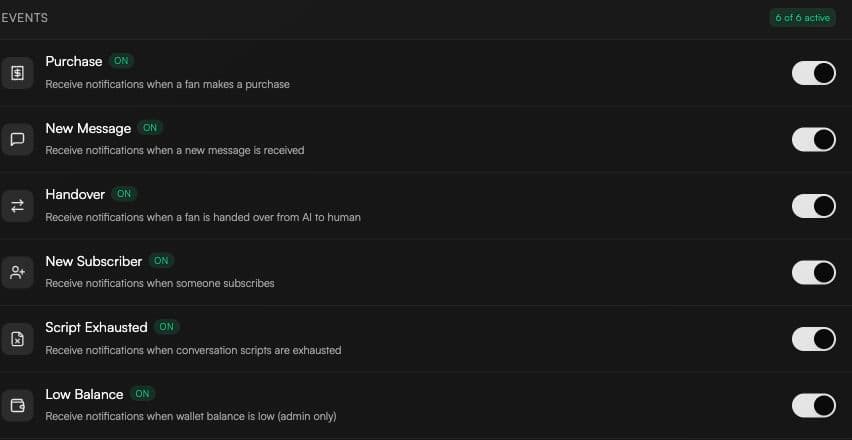
Choose the events you want. Switch changes update directly; there is no separate Save button.
Available events
-
Purchase
-
New Message
-
Handover
-
New Subscriber
-
Script Exhausted
-
Low Balance, when you have View billing access
Which events are sent by email
Email is used for Handover and Low Balance notifications. Purchase, New Message, New Subscriber, and Script Exhausted notifications use other enabled channels and are not sent by email.
A targeted Notify employees action in an automation can still send email to the selected employees.