
Créer une séquence de messages d’automatisation
Ajoutez et organisez les séquences de messages d’automatisation, les délais, les médias, la personnalisation et l’arrêt des réponses.
Utilisez une séquence de messages pour envoyer une ou plusieurs étapes de message écrit après un déclencheur d’automatisation.
Avant de commencer
-
Les automatisations sont prises en charge pour les créateurs OnlyFans et Fanvue. MYM ne prend pas en charge les déclencheurs d’automatisation.
-
Vous devez disposer de l’accès de gestion des automatisations pour créer ou modifier une séquence. L’accès de consultation des automatisations permet d’examiner une automatisation sans la modifier.
-
Les déclencheurs et les actions disponibles dépendent de votre offre. Le déclencheur de bienvenue est disponible avec Free ; Fan comes online et Stop AI with keywords nécessitent Elite.
Créer la séquence
-
Ouvrez CRM → Automations, sélectionnez un créateur, puis créez ou modifiez une automatisation.
-
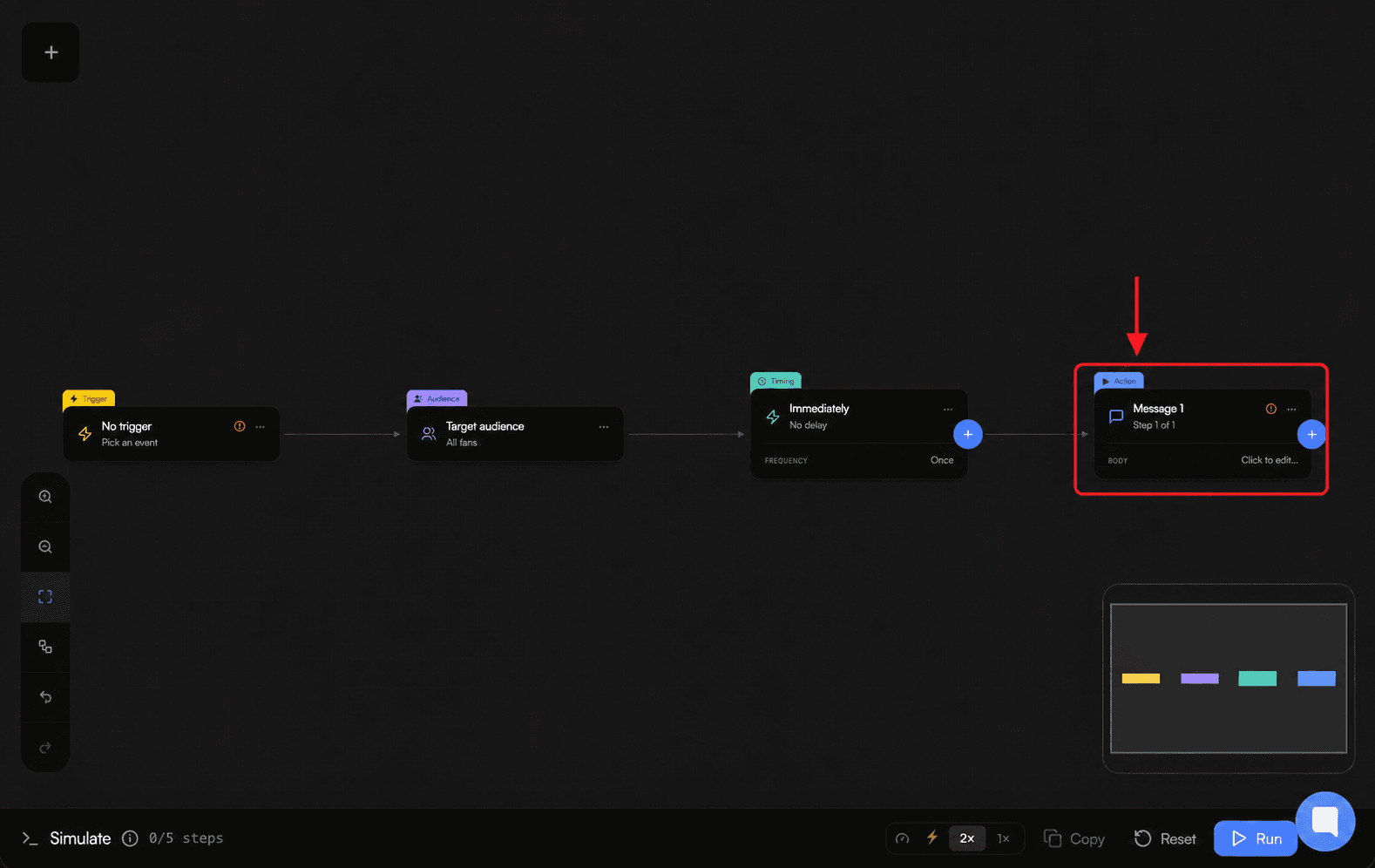
Choisissez Add Action, puis Add Sequence. Add Action propose également Add Message.
-
Ajoutez le premier message. Vous pouvez utiliser du texte, les variables de fan listées, les médias du Vault et la tarification des messages payants lorsque la plateforme sélectionnée les prend en charge.
-
Ajoutez d’autres étapes de message si nécessaire. Vous pouvez dupliquer ou supprimer un message, mais le seul message d’une séquence ne peut pas être supprimé.
-
Pour chaque message après le premier, réglez Delay before sending d’Instant à 1 heure, par pas de 30 secondes.
-
Activez Stop sequence on reply lorsqu’une réponse de fan doit empêcher la poursuite des messages en attente de la séquence.
-
Choisissez Create New Automation pour une nouvelle automatisation, ou Save Automation lors d’une modification.
Choisir le mode d’exécution de plusieurs séquences
-
Send only once autorise une seule séquence.
-
Send every time the fan matches the trigger autorise plusieurs séquences. Pour chaque fan, les exécutions répétées parcourent l’ordre enregistré des séquences.
-
Vous pouvez renommer, déplacer ou dupliquer une séquence. Vous pouvez supprimer une séquence lorsqu’il en existe plusieurs.
Dépannage
-
Missing required fields s’affiche : suivez les indications à l’écran et complétez le contenu de message manquant avant d’enregistrer.
-
Vous ne pouvez pas ajouter d’autre séquence : Send only once autorise une seule séquence ; utilisez Send every time the fan matches the trigger lorsque vous avez besoin de plusieurs séquences.
-
Créer ou modifier une automatisation nécessite l’accès de gestion des automatisations.
-
Un déclencheur ou une action est indisponible : vérifiez sa disponibilité selon l’offre et la plateforme actuelles.